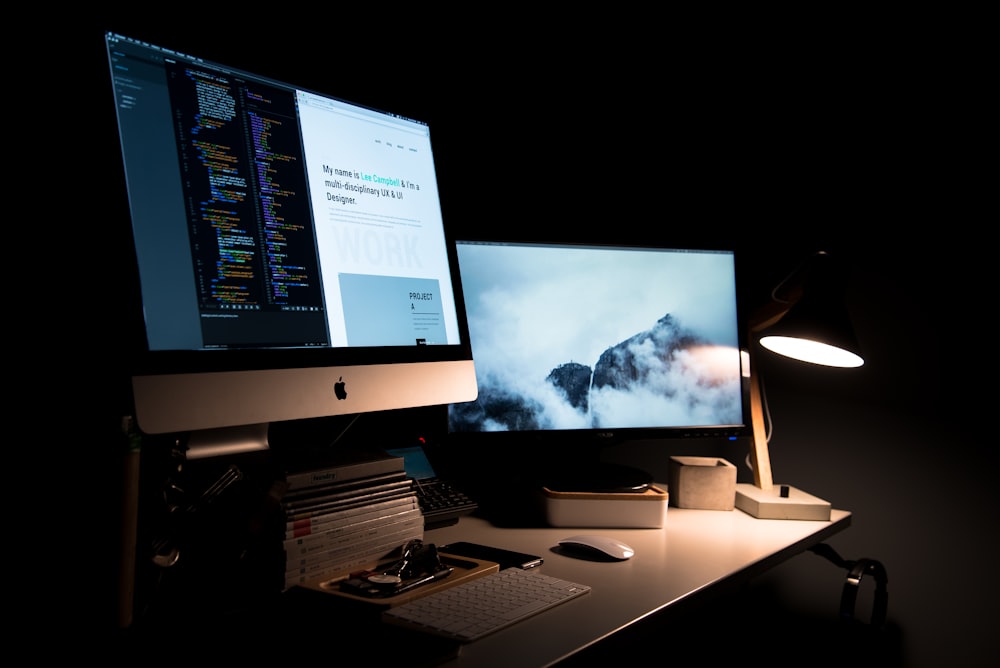
Eye strain is a contrast problem
Screen fatigue rarely comes from the screen itself. It comes from the difference between a bright display and a dark room, which forces your pupils to adjust constantly. The goal of desk lighting is not brightness — it is evenness. Get the room, the desk surface and the screen within a comfortable range of each other and most of the ache disappears.
Three layers, each doing one job
Ambient light fills the room and keeps the walls from going dark. Task light illuminates the paper, notebook or keyboard in front of you. Bias light sits behind the monitor and lifts the wall brightness so the screen is not a glowing rectangle in a black field. Most home offices have only the first layer, usually a single ceiling fixture that casts your own shadow onto whatever you are reading. Adding the other two layers is a bigger upgrade than replacing any single lamp.
Choose a task lamp that stays out of the screen
A clamp-mounted or swing-arm lamp is the right shape for a desk because it puts light where you need it without occupying surface area. Position it on the opposite side from your writing hand — left side for right-handed people — so your hand does not cast a shadow on the page. Aim it at the desk, never at the screen. A monitor light bar solves the same problem differently: it clips to the top bezel, throws an asymmetric beam down onto the desk, and by design puts no light on the display at all. In a small setup it is often the better choice, because it uses zero desk space.
Get the color temperature and brightness right
For focused screen work, 4000K to 5000K neutral white keeps you alert without the harsh blue cast of 6500K daylight bulbs. For evening work, dropping to 2700K to 3000K warm white is gentler and less disruptive to sleep. A lamp with adjustable temperature covers both cases from one fixture. For brightness, aim for roughly 500 lux on the desk surface for general work and up to 750 lux for detailed reading — in practical terms, a lamp rated 400 to 800 lumens at typical desk distance. A high CRI rating of 90 or above matters if you do any color-sensitive work.
Kill the glare before you add more light
Check for reflections by turning the screen off and looking at the dark glass from your seated position. Windows, ceiling fixtures and glossy white walls all show up. Position the desk so windows fall to the side rather than in front or behind, use blinds during the brightest hours, and choose lamps with a diffuser or a deep shade rather than a bare exposed LED strip. Adding a brighter lamp to a glare problem makes it worse.
Match the screen to the room, not the other way around
Once the room lighting is set, adjust the display brightness so a white document on screen looks about as bright as a sheet of paper on the desk. Most people run their monitors far too bright in the evening. Combine that with a warm bias light behind the screen and a lamp you dim as the day ends, and the classic 9pm eye ache stops showing up.
Lighting needs change with the seasons and with the hours you keep. A dimmable lamp with a memory setting takes seconds to adjust; a fixed bulb takes a shopping trip. Buy adjustability once and you stop thinking about it.